April 9th, 2026
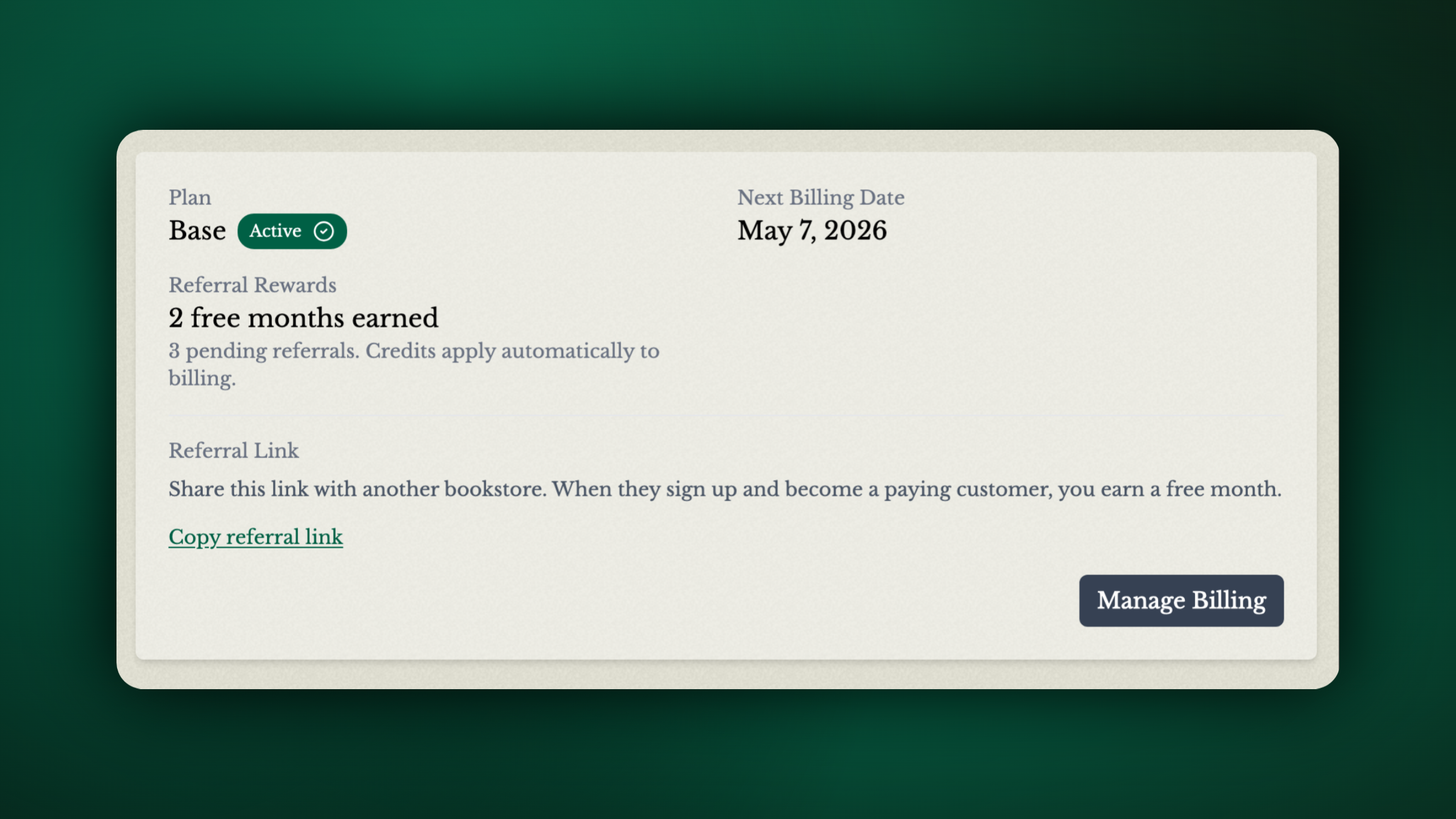
Bookstore referral program
You can now share book by book with other bookstores and earn a free month when they become a paying customer! 🎉
What's New
Share a referral link
Actively paying organizations can now copy a referral link from the
SettingspageShare that link with another bookstore to send them into the normal signup and onboarding flow
Automatic reward tracking
Referrals are tracked automatically once the new bookstore completes onboarding
When the referred store becomes a paying customer, the reward is applied automatically to your billing account
The free month matches your current monthly subscription price, including founder pricing when applicable
Check referrals in Settings
See how many free months you’ve earned
See how many referrals are still pending conversion
Credits are shown right alongside your billing details, so it’s easy to keep track of referral rewards
You can see whether or not your next payment is covered by a referral in the Stripe billing portal

Getting Started
Open
Settingsby clicking your store name on the top right of the pageFind the
Referral Linksection in your billing settingsCopy your referral link and share it with another bookstore
Once they sign up and become a paying customer, your credit will be applied automatically toward the next available payment
Referral links are available for organizations with an active paid subscription. As always, let us know if you have any questions or feedback.