December 28th, 2025
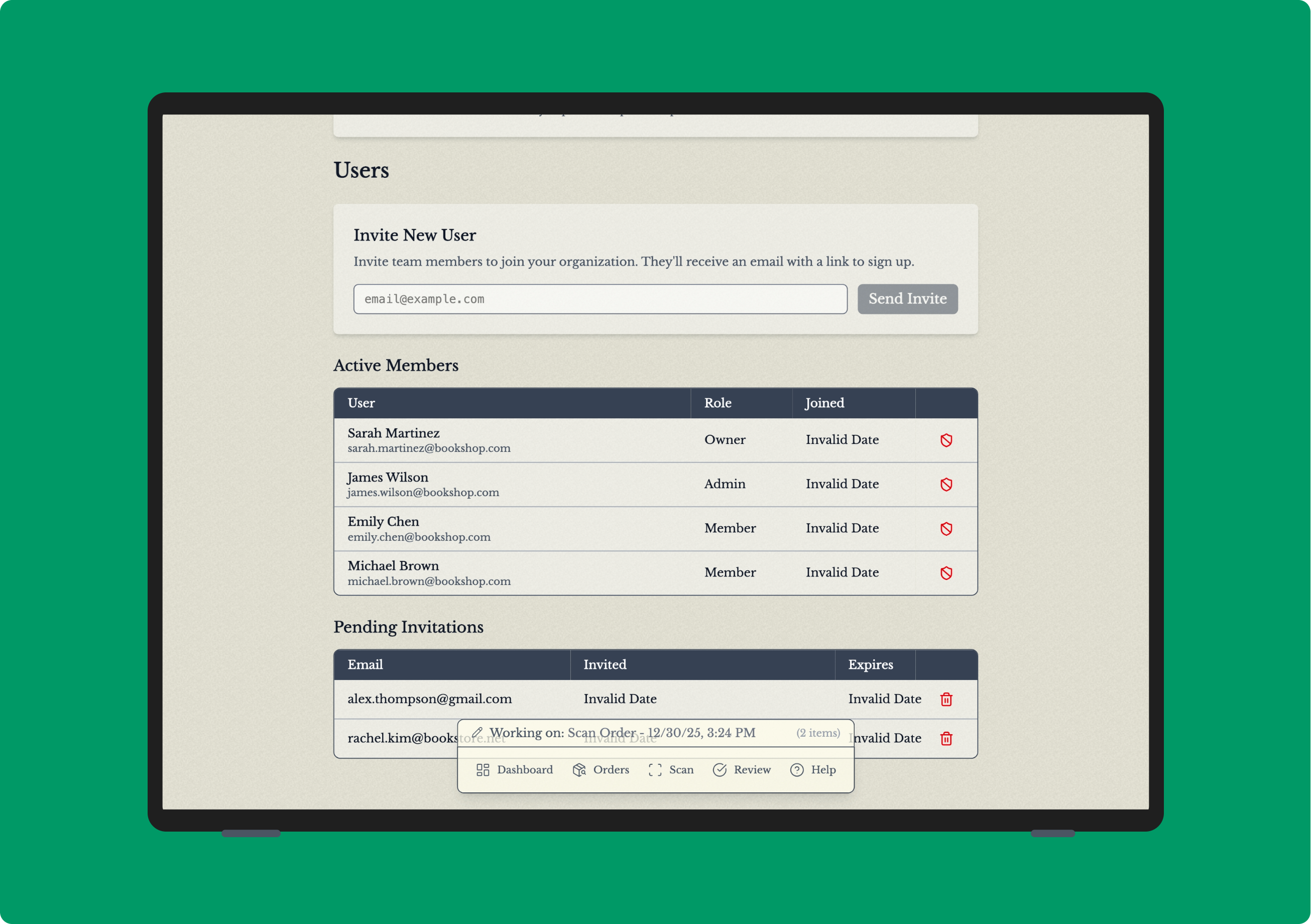
Invite team members to your account
We're excited to announce support for team collaboration! You can now invite other users to join your organization and manage your inventory together, with everyone having their own secure login.
What's New
Invite Team Members
Invite colleagues to join your organization by email from the Settings page
Invited users receive a secure invitation link via email
Invitations expire after 7 days for security
Seamless Onboarding
New users can accept invitations using Google, Facebook, or email login
Invited users automatically join your organization upon completing signup
User Management
View all team members and pending invitations in one place
See when each member joined your organization
Remove pending invitations or deactivate members as needed
Getting Started
Navigate to Settings
Go to the Users section
Enter your teammate's email address and click Invite
They'll receive an email with instructions to join
Your teammates will have access to the same inventory, scanning tools, and Square integration that you do. Perfect for stores with multiple staff members managing book inventory!
As always, let us know if you have any questions or feedback.